
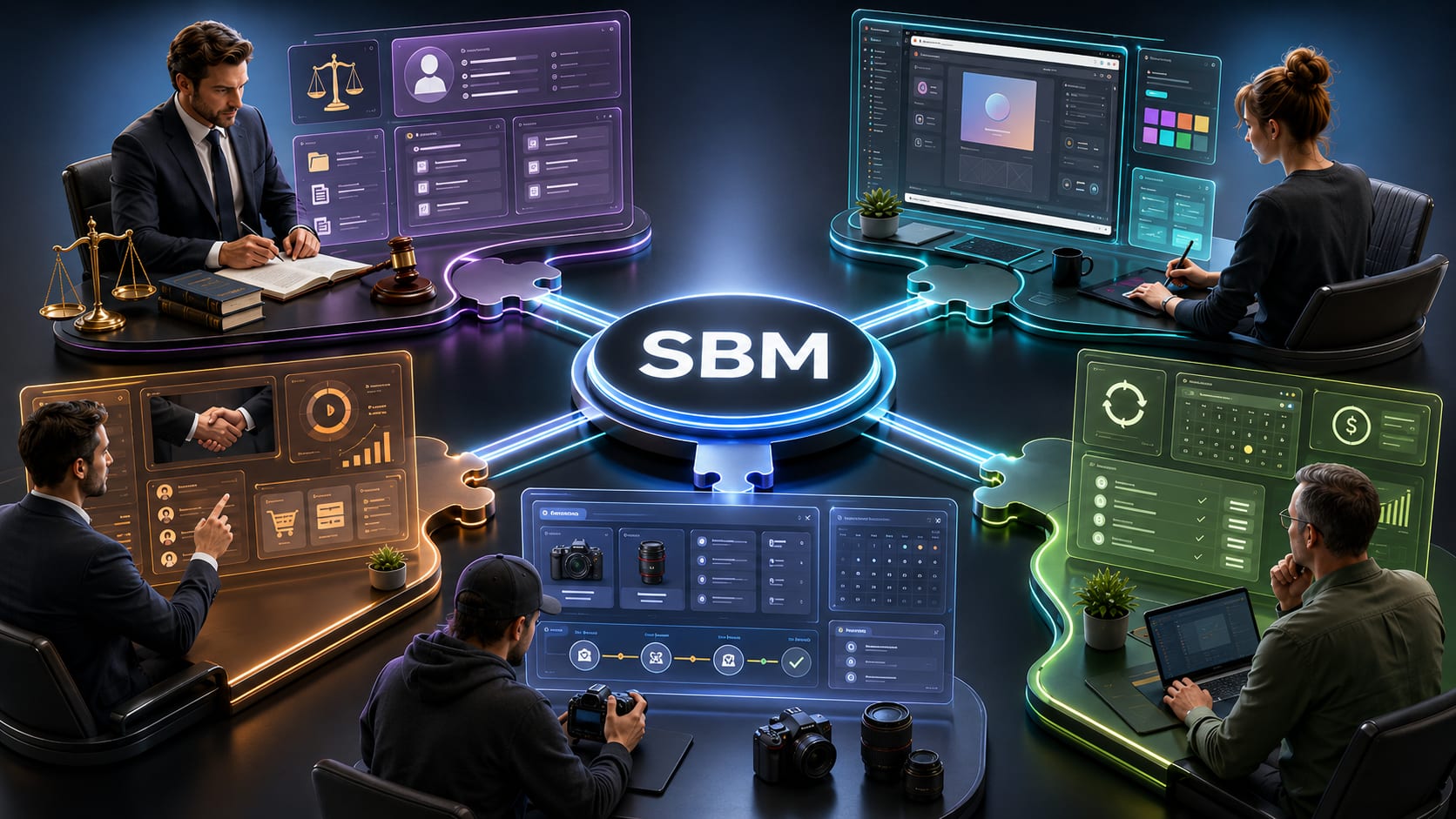
Your invoicing software with menus and fields of your own. Your business sets the process.
A law firm has clients. A builder charges by the linear metre. A photographer needs an image on the item. In SBM you name every area the way you speak yourself – and you create the fields your business actually needs.
Standard software forces its words on you
You type “customer” and mean client. You look for the unit “lin m” and only find “piece”. You want a photo on the item and only get a text box. A small friction every day – until half the work ends up in a spreadsheet on the side after all.
-
The law firm
“Customers” become clients, “orders” become matters. In the menu too, and on the documents.
-
Construction
Linear metre, cubic metre, day rate instead of a fixed list of “piece” and “hour”.
-
Retail
The item carries a product photo, a data sheet and your own markers – not just text.

A pile of parts. Or a system.
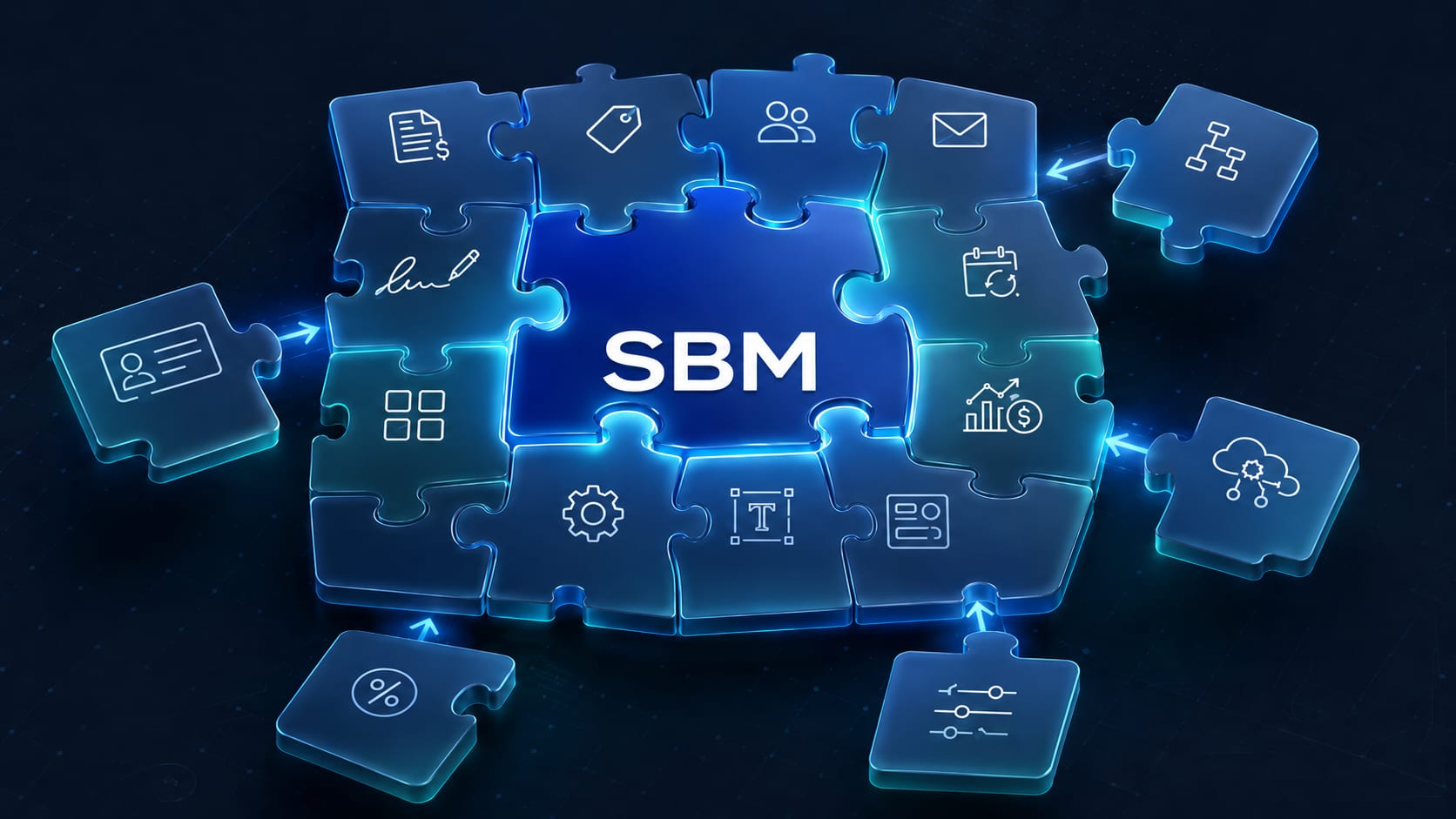
Standard software hands you a pile of parts that do not fit together: too little in one place, too much in another — and in the end you press your business into a shape that is not its own. In SBM, modules, fields, labels and units interlock. Not because they happen to match, but because they use the same customers, invoices and data.
Every label is yours
Menu entries, area names and field labels can all be swapped – per language. Behind it sits a proper translation table, not a search-and-replace: your English version says “client”, your Spanish one “cliente”, and both apply at the same time.
Eight areas come with their own wording menu: invoices, customers, quotes, delivery notes, documents, products and services, projects and site diary.
The fields your business needs
Customers, products and services, and invoices each take as many custom fields as you like. You create them in the settings – no programming, no update, no need to ask us.
-
Text and text area
From a short marker to a multi-line note.
-
Dropdown list
Fixed options, so everyone on the team enters the same thing.
-
Yes/no and date
For checks, deadlines and follow-ups.
-
Number and colour
Quantities, reference numbers, colour coding.
-
Image and gallery
Product shot, before-and-after, a whole series on the record.
-
File upload
Data sheet, certificate, drawing – each record can have its own storage folder.
For every field you decide two things: whether it has to be filled in, and whether it appears in the overview. What matters internally does not have to clutter the list.
Created once, present throughout
That is what sets it apart from a notes box: a field you create on the customer is available again in the quote and the delivery note. You maintain it in one place and it travels with the process – instead of sitting on an island.
That is how many separate pieces turn into a system that fits your business, rather than the other way round.
Your own units instead of “piece”
The unit is a free field: linear metre, cubic metre, day rate, flat fee, hour – whatever is normal in your trade. And because SBM writes invoices bilingually, the unit can be stored per language: your customer reads “metro lineal”, your accounts read “linear metre” – on the same document.
We do the setup
You do not have to fight your way through settings. Tell us how your business speaks and what hangs off your processes – we set up fields, labels and units so it feels like your business from day one.
Send an enquiry