

Write invoices, understand your finances.
From quote to paid invoice — and everything flows straight into your financial overview. E-invoicing, reminders, monthly and yearly reporting, tax reserve and the tax cycle for Germany and Spain are included as standard.
Three steps to a finished invoice.
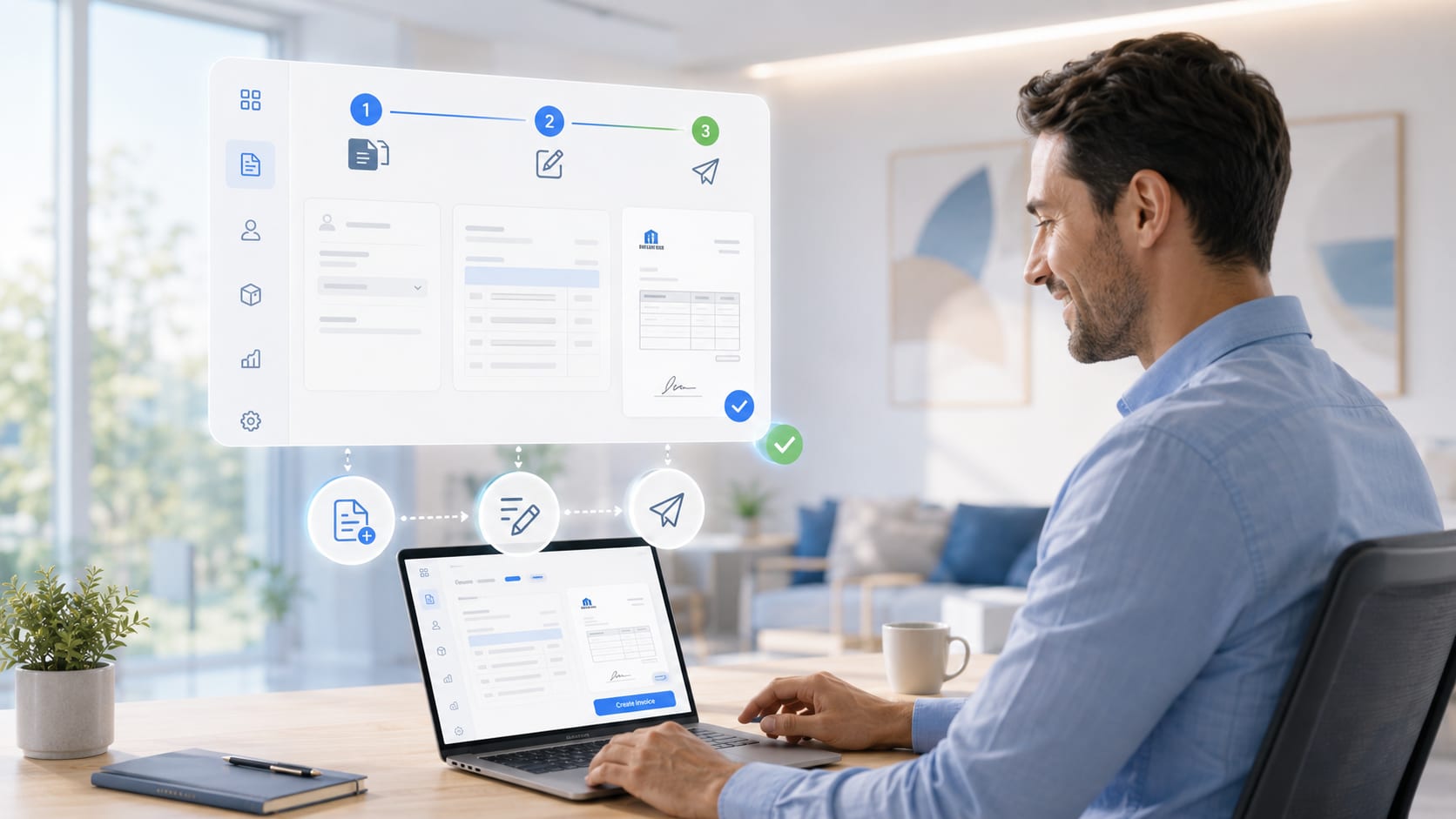
- 1
Create
Pick the customer and line items — or convert an existing quote in one click.
- 2
Review & sign
Layout, tax and number range are set automatically. Sign digitally if needed.
- 3
Send
Send as an e-invoice (ZUGFeRD/Factur-X) or PDF — payment status included.
Everything invoicing and finance need.
Not a kit of loose parts — invoicing and finance work as one. Which areas you switch on is your call.
-
E-invoicing to EN 16931
Create ZUGFeRD/Factur-X; read incoming e-invoices as ZUGFeRD PDF and XML and validate them against the standard.
-
Incoming invoices & OCR
Forward the invoice to your SBM mailbox, or photograph the receipt right in the form. SBM reads out amount, date and tax, creates the supplier as a creditor — matched by VAT ID, IBAN, mail domain or name — and attaches the original file. PDFs with a text layer are read immediately, photos and scans when you open them in the browser. Known senders become a draft, unknown ones go to quarantine: nothing enters the books without your approval. No AI, no cloud.
-
Get paid in one click — Stripe
Tick the box and SBM creates a payment link and a QR code for that invoice. Your customer scans or clicks and pays straight away — by card, SEPA direct debit or whatever you enable in Stripe. Send the link by email or WhatsApp. Once the money arrives, Stripe reports back and the invoice marks itself as paid. Your Stripe keys sit encrypted on your server, not in the source code.
-
Reminders & discount
SBM calculates payment terms and discounts automatically. Overdue items land on a list; you send the two-stage reminder with one click.
-
Cancellation & credit note
Clean, traceable corrections with their own number range.
-
German & Spanish tax cycle
Autónomo, S.L. and S.L.U. as well as freelancer, sole trader, GmbH, UG, GbR, OHG and KG — SBM calculates using the tax profile of your legal form.
-
Month, quarter, year
Income, expenses, profit and tax burden for any period — switchable without reloading the page.
-
Tax reserve
Shows how much to set aside for VAT and income taxes — trade tax included where it applies. Before it is missing.
-
Monthly targets with progress
A separate profit target for every month, with progress bar and projection to month end.
-
Reverse charge & VIES
SBM spots intra-EU services and pre-sets reverse charge; you verify the VAT ID against VIES at the press of a button.
-
Accountant export
A monthly package at the press of a button: summary as PDF, every outgoing invoice, every incoming invoice with its receipts — plus documents you add yourself. Download as a ZIP or mail it straight to the firm. For Germany and Spain.
-
DATEV export (Germany only)
EXTF posting batch and master data using your own accounts. With Spain as tax country, SBM hides the section.
-
Two languages on one document
The service line appears in the customer’s language — and underneath, the same line in your accounting language. Your customer understands the invoice, so does your accountant.
-
Your own items, with tax effect
Enter your expenses yourself and decide what they do: a business expense reduces profit, a special expense only the income tax base, a private withdrawal nothing at all, a reserve simply stays put. The financial overview calculates with that — your figures, your rates, your legal form.
-
Profit and loss statement
The P&L is its own area under Finances: any period you choose, optionally calculated by service period, with early-payment discounts as a separate line if you want. Export it as a PDF and send it straight from the system — with a blind copy to your archive if you like.
-
Debtors & creditors
SBM keeps customers and suppliers with their own account numbers, payment terms, discount rates and credit limits. They go out to your accountant as DATEV master data, so the account mapping does not have to be rebuilt by hand.
VAT that thinks along
The tax rate is not typed in on every article. Each article carries a tax key, and the rates live in one maintained list — standard, reduced, zero-rated, as many as you need. It sounds like a detail and it is the difference between an hour of work and one click the moment something changes.
-
Change the rate, not the articles
If 19 % temporarily becomes 16 %, you change the figure in one place. Every article with that key calculates with it from then on — without touching a single article.
-
What has gone out stays as it was
The rate is written onto the document when it is issued. A later change to the list can no longer alter an existing invoice. What you billed last year still looks exactly the same in five years.
-
Several rates side by side
Standard rate, reduced rate, 0 % for exempt transactions — each line gets a key, a percentage and a name you choose yourself.
-
Your tax domicile sets the frame
The country you are liable in determines the standard rate, the wording (MwSt. or IVA) and the reverse-charge check against the VAT ID. You do not have to enter any of that by hand.
-
Cancellations carry the tax with them
A cancellation invoice reverses not only the amount but the tax shown — at the same rate as the original. That way the totals in your reports add up again.
-
Documents in your tax office’s language
The figures that matter for tax appear on the document in your accounting language, even when your customer speaks another. In an audit the document is there in the language it will be read in.
Reverse charge, the German small-business rule (§ 19 UStG), e-invoicing to EN 16931 and the export for your accountant all draw on the same values. There is no second place where tax rates would have to be maintained.
Issued once, and that is that
An invoice in SBM cannot be changed afterwards and cannot be deleted. There is no route for it — no edit button, no delete path, no back door in the settings. Corrections happen solely through cancellation or a credit note, and the original document stays in place.
-
No editing, no deleting
Outgoing invoices have no change procedure. What is saved is saved — amounts, line items, tax rates, customer details, number and date.
-
Correction only by cancellation or credit note
If something is wrong, a second document is created that reverses the first. Both remain side by side and traceable. The cancellation also reverses the tax shown.
-
The PDF may be new, the data may not
If something goes wrong while generating the PDF, it can be produced again. It is built from the same fixed data — the content does not change.
-
Gapless numbering
Invoice numbers are issued consecutively and never twice. No gap arises that would need explaining.
This immutability is exactly the core of what the German GoBD demands of a bookkeeping system — the principles for the proper keeping of electronic books. What the GoBD additionally requires is a process documentation: that describes your business and your workflows, not the software. We work out what is needed for it with you during setup.
The financial overview does the maths
Turnover on its own says little. The interesting question is how much of it is actually yours. The financial overview pulls income and expenses together and works out what to set aside and what is left — by month, quarter and year.
-
VAT payable, not the gross figure
An example: you charged 500 € of VAT and paid 300 € of input VAT on incoming invoices. 200 € go to the tax office. That is the figure SBM shows — not the 500 that frightens people. All it takes is that your incoming invoices are captured, and forwarding them to your SBM mailbox is enough for that.
-
What you ought to set aside
VAT payable, income taxes, social contributions and your own reserve items appear as a single figure. No adding up from four corners, no nasty surprise in March.
-
Your rates, not ours
Reserve percentage, corporation tax rate, trade tax multiplier, income tax allowance and the social contribution — as a percentage or a fixed amount — are yours to set. SBM calculates with your figures.
-
Two tax worlds
For Germany, trade tax with its municipal multiplier and the solidarity surcharge; for Spain, Impuesto sobre Sociedades and the minoración for Modelo 130. Which calculation applies follows from your tax domicile.
-
What is actually left
Next to the reserve stands the net figure: what really remains after taxes, social contributions, special expenses and drawings. The number you plan with.
-
A forecast, not a review
The year so far is projected onto the full year. You see early where things are heading, instead of finding out at the annual accounts.
Every figure comes from the same invoices, incoming receipts and tax rates you work with anyway. There is no second set of books to maintain — and no spreadsheet on the side.
Does this fit your business?
Every offer is individual. Tell us briefly how you work — we’ll assess what you need.